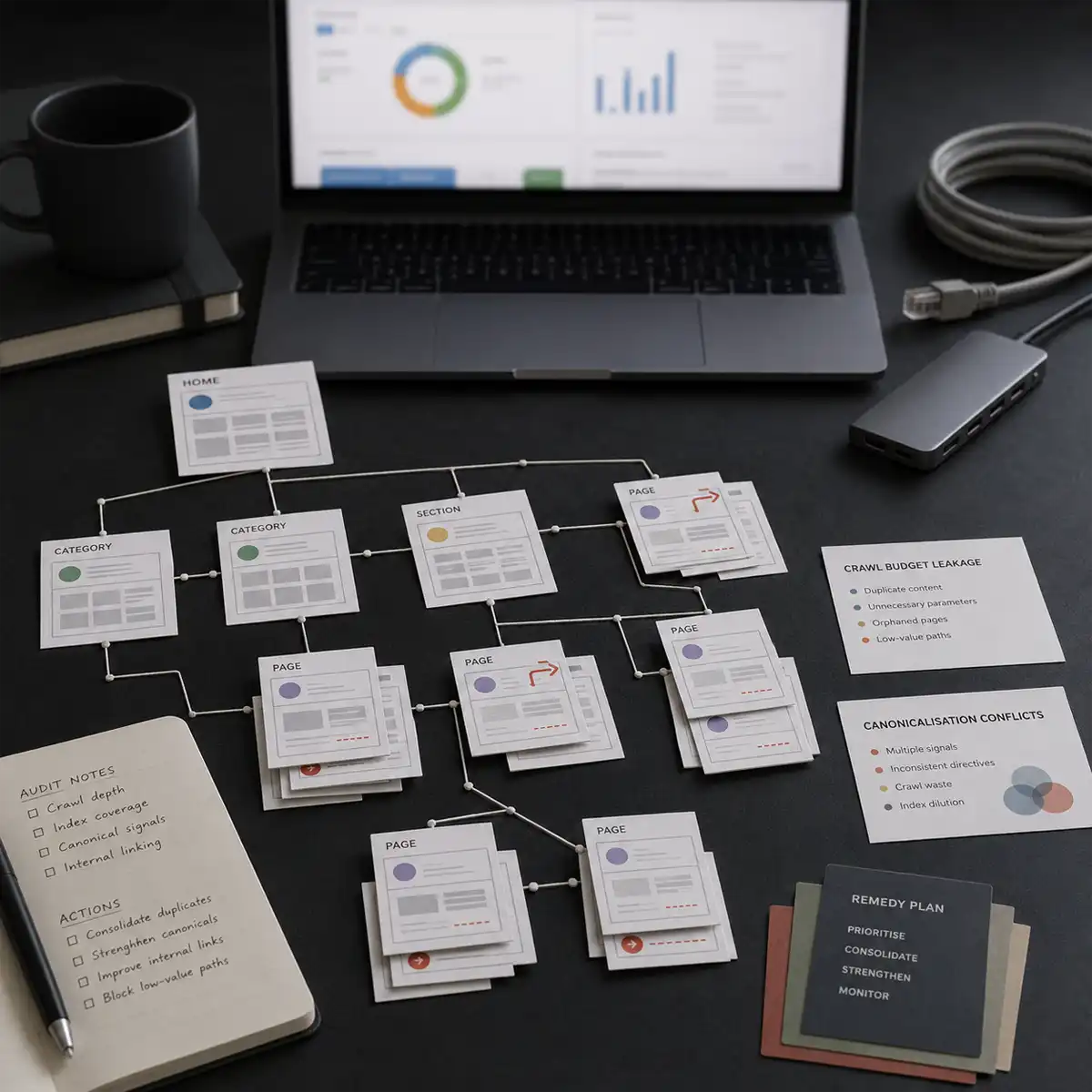
Here is a pattern that shows up in Google Search Console more often than most practitioners expect. A site with broadly stable content quality, consistent publishing, and no manual actions shows a steady erosion of impressions. Pages drift from Indexed to "Crawled, currently not indexed". Crawl anomalies pile up in the Page indexing report. Organic traffic falls with no matching decline in content relevance or backlink profile. The diagnosis is almost always structural: crawl budget leakage, canonicalisation conflicts, or JavaScript rendering issues that surface in a systematic technical audit rather than a content review.
A technical SEO audit run in the right sequence surfaces these issues in order of their likely impact on crawl efficiency and index coverage. The walkthrough below uses the diagnostic approach we apply to sites between DR 20 and DR 60 in competitive UK verticals, where the difference between a recoverable technical problem and a persistent ranking suppression usually lives in the details of how the crawl tool is configured and what the log file data confirms. Run it in order and you stop guessing.
The audit covers five areas in sequence: crawl configuration and coverage, canonicalisation and duplicate content, internal link architecture, Core Web Vitals and page experience, and structured data validity. Each area has a specific tool path and a defined diagnostic output.
Configure Screaming Frog before you run a single crawl
Most practitioners run Screaming Frog with default settings and miss the issues that matter most. Three configuration changes are non-negotiable before auditing any site above 500 pages. First, connect the Google Search Console API under Configuration > API Access > Google Search Console. This enriches crawl data with impressions, clicks, and average position per URL, allowing a direct comparison between what Screaming Frog finds and what Google actually indexes. Without this connection, the crawl is blind to the gap between what you can access and what Google chooses to index.
Second, set "follow canonicals" to off under Configuration > Spider > Advanced. The default follows canonical directives, which means Screaming Frog respects what you have already told Google to do. Turning it off reveals what the canonical structure looks like to a crawler that does not follow those instructions, which is precisely what Googlebot does on first pass before deciding whether to accept the canonical. Third, enable JavaScript rendering under Configuration > Spider > Rendering > Google WRS. This adds crawl time but reveals content that only exists after client-side rendering, the source of most indexation problems on React and Next.js implementations. If you are weighing your tooling, our comparison of Screaming Frog versus Sitebulb for technical audits covers where each one earns its place.
Fun fact: Screaming Frog launched in 2010 and is now used in over 120 countries. Its desktop architecture stores crawl data locally rather than in the cloud, so it can audit sites with millions of URLs on a standard laptop given enough RAM.
What the Coverage report in Google Search Console tells you first
Before running a full crawl, the Page indexing report gives you the fastest diagnostic baseline. Go to Indexing > Pages and read the non-indexed reasons in descending count order. Three patterns most consistently signal structural problems rather than content-quality issues: "Crawled, currently not indexed" above 5% of total submitted URLs suggests crawl budget inefficiency or low-quality signal dilution; "Duplicate without user-selected canonical" above 2% indicates canonicalisation inconsistency between URL variants; and "Discovered, currently not indexed" at any significant volume suggests crawl budget is not reaching those pages, usually a depth or internal linking problem.
Export the full non-indexed URL list and import it into a Screaming Frog custom search under Configuration > Custom > Search to cross-reference these URLs with their on-page characteristics. This step identifies whether the non-indexed pages share a template, a URL parameter pattern, or a content type, which narrows the diagnosis from a site-wide problem to a template-level one.
Canonicalisation: where most crawl budget leaks originate
Canonical conflicts account for a disproportionate share of indexation problems on WordPress sites running multiple SEO plugins at once, and on e-commerce platforms generating parameterised URLs for sorting and filtering. In Screaming Frog, filter to the Canonical tab and look for mismatches between the self-referencing canonical and the URL Screaming Frog crawled. A canonical pointing to a different version of the URL than the one found indicates Google may be seeing a conflicting signal about which version to index.
The GSC URL Inspection tool is the definitive check for any specific URL. Inspect it, review the coverage status under Indexing, and compare the user-declared canonical with the Google-selected canonical. When they differ, Google has overridden the declared canonical, a confirmed signal that Google does not consider the canonicalisation logic consistent with its quality assessment of the page. This is documented behaviour in Google's Search Central guidance on consolidating duplicate URLs, not practitioner inference.
Internal link architecture and crawl depth analysis
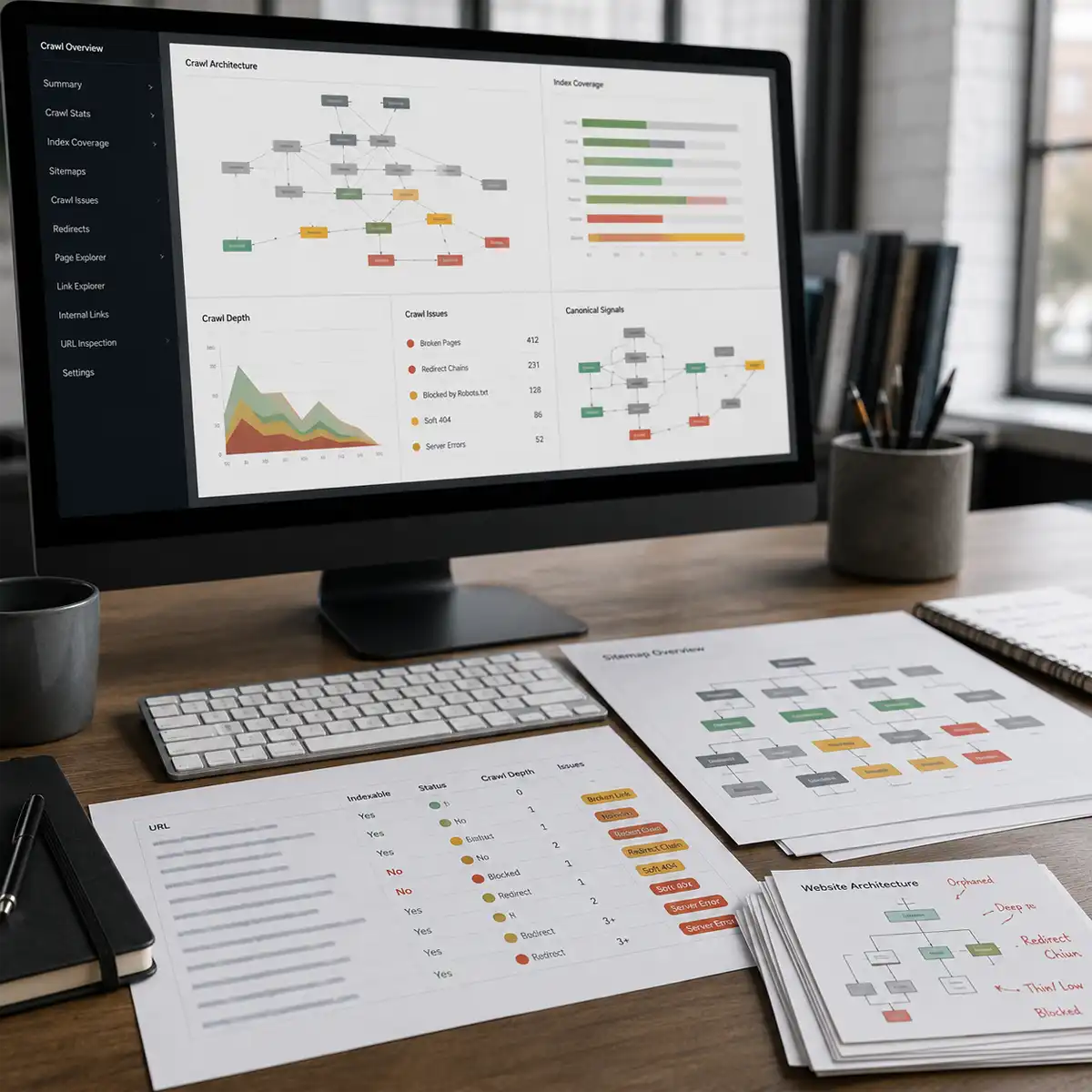
In Screaming Frog, the Crawl Depth report under Reports > Crawl Depth shows the number of clicks from the homepage to each URL. Pages at crawl depth 5 and above carry a meaningful risk of insufficient crawl frequency on sites in the DR 20 to DR 60 range, where Googlebot allocates crawl budget proportionally to perceived authority. The fix is specific: any page targeted for ranking that sits at depth 4 or above should be added to the sitemap, linked from a higher-level category or hub page, or folded into a topic cluster that shortens the internal link path.
The internal link report also surfaces orphan pages, URLs reachable via the sitemap but not through any internal link. Orphans receive no PageRank flow through internal links regardless of their external backlink profile. Export them, prioritise any holding external backlinks using Ahrefs Site Explorer's Best by Links report, and create contextual internal links to each from the most topically relevant content on the site. Where thin or overlapping pages are dividing your signal, the right move is often consolidation, which we cover in why quality blog posts boost your SEO rank.
Core Web Vitals as a technical audit signal
The Google Search Console Core Web Vitals report provides field data at the page-group level, segmented by desktop and mobile. Filter to mobile, which Google uses for ranking under mobile-first indexing, and identify the URL groups with the highest volume of Poor and Needs Improvement classifications. For each failing group, run PageSpeed Insights on a representative URL to obtain the Lighthouse diagnostics and, more usefully, the field data from the Chrome User Experience Report.
The three metrics in the 2026 framework remain LCP, INP, and CLS. For LCP failures, the most common root cause on UK-hosted WordPress sites is image delivery without a CDN and without the fetchpriority="high" attribute on the hero element. For INP failures, the cause is almost always JavaScript execution blocking the main thread during interactions; the Chrome DevTools Performance panel, filtered to Long Tasks (above 50ms), names the scripts responsible. CLS failures on ad-supported editorial sites usually trace to ad slots without reserved dimensions in CSS. We break the responsiveness metric down step by step in our INP Core Web Vitals fix guide, and the canonical reference is the web.dev Core Web Vitals documentation.
Structured data validity and rich result eligibility
The Rich results report in Search Console shows which structured data types are valid, which carry warnings, and which have errors. Invalid structured data does not affect indexation but removes rich result eligibility, which for article and FAQ schema affects click-through rate measurably. Validate all markup against the schema.org documentation: the most common errors on WordPress sites are Article schema without a dateModified property, and BreadcrumbList schema with incorrect item position values when the CMS generates breadcrumbs dynamically.
Run the Google Rich Results Test on each structured data type after fixing errors. Google's documentation confirms structured data validity is a requirement for rich result eligibility; it does not confirm that structured data presence improves rankings independent of rich result appearance. The distinction matters for prioritisation: structured data fixes improve CTR for eligible query types; they are not confirmed crawl or ranking signal improvements.
Run the diagnostic in this sequence and prioritise by volume
Start with the Page indexing report to establish the baseline volume and category of non-indexed pages. Decide whether the dominant issue is canonicalisation, crawl depth, or JavaScript rendering. Configure Screaming Frog with GSC API integration and JavaScript rendering before running the full crawl, not after. Cross-reference the non-indexed export with the crawl to identify the template or parameter pattern responsible. Then fix the structural issue at source, in the CMS, the .htaccess or nginx configuration, or the JavaScript rendering setup, rather than patching individual URL symptoms.
After structural fixes, validate with a recrawl of the affected URL set via the GSC URL Inspection tool, and watch the Page indexing report for the Non-indexed to Indexed transition over four to eight weeks. Technical SEO problems that look complex in aggregate are almost always concentrated in a small number of root causes. The audit that finds those root causes through systematic sequencing, rather than a checklist applied uniformly, is the one that produces measurable ranking improvement instead of a report of observed issues. Find the crawl anomaly. The ranking evidence usually follows.
If you would rather have this run for you, our SEO services include a full technical audit and remediation plan, and we can fold in managed WordPress hosting when slow infrastructure is the real bottleneck. Start the conversation on our contact page.
Related reading: Screaming Frog vs Sitebulb for technical SEO audits and the E-E-A-T signals Google confirms for UK sites.